Remote Ham Radio: How to Operate a FlexRadio From Anywhere
Remote ham radio is no longer a niche experiment for a handful of station builders. Today, it is one of the most practical ways to stay active on the air when you are traveling, living in an apartment, working long hours, or simply want access to a better station location than the one you can build at home. If you want to operate a FlexRadio from another room, another city, or another country, remote ham radio gives you a clean way to do it without giving up the experience of real operating.
What Is Remote Ham Radio?
At its core, remote ham radio means controlling a real amateur radio station over an internet connection. Instead of sitting physically beside the transceiver, amplifier, tuner, antenna switch, and rotor, you connect through software and operate the station remotely. You tune the VFO, change bands, select filters, key PTT, work DX, and log contacts just as you would from the shack.
For many operators, FlexRadio is a natural fit for this model because the radio itself is already software-centric. Rather than treating remote access as an afterthought, the operating experience is built around networked control, digital signal processing, panadapters, and client software. That makes a FlexRadio especially attractive for operators who want serious remote operation instead of a fragile collection of desktop-sharing tools and improvised audio links.
Remote operation is useful in more situations than most hams initially realize. You may want to:
- operate from work during a break
- keep the station at a quieter RF location
- avoid local antenna restrictions
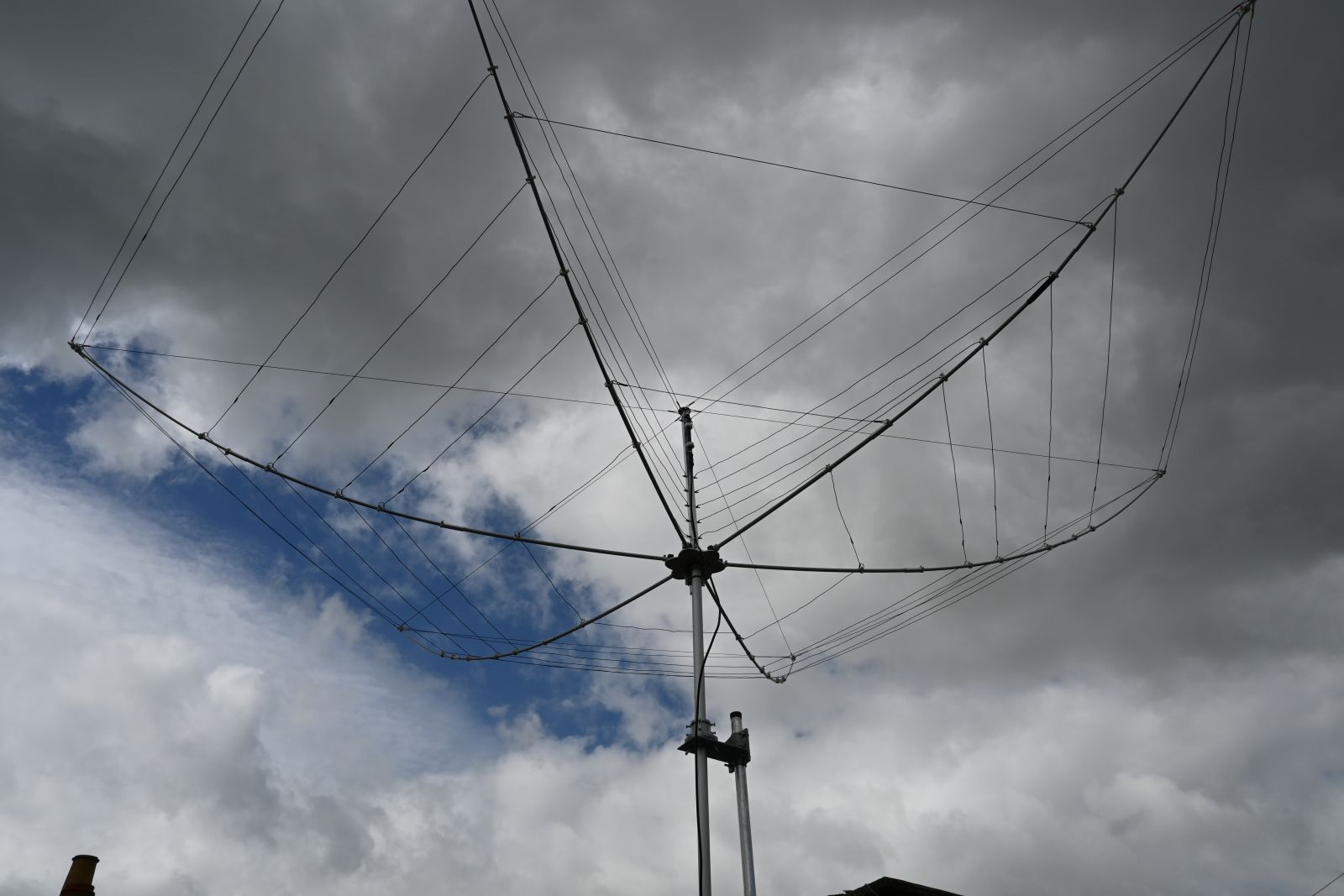
- access better antennas than you can install at home
- stay on the air while traveling
- share a station with family members or club members
- listen casually without turning on your entire home shack
A well-designed remote setup makes all of that feel straightforward instead of complicated.
## How Remote Ham Radio Works With a FlexRadio
A remote FlexRadio setup usually has a few core pieces. First, there is the station hardware at the radio site: the radio, antennas, power, network connection, and any station accessories. Second, there is the user side: a laptop, desktop, tablet, or phone running the client software. Third, there is the internet path between the two.
When the system is working properly, the remote client sends control commands to the station and receives audio, spectrum, and status data back. From the operator’s point of view, the experience feels much closer to using a local station than many people expect. You are not merely “listening in” on a radio. You are controlling a real station in real time.
That distinction matters. A proper remote ham radio platform is not the same as a static receiver feed. You can actually operate. That means chasing DX, making SSB or CW contacts, working digital modes, monitoring band openings, and switching among bands based on conditions.
Why Operators Choose Remote Ham Radio Instead of a Local Shack
The traditional shack is still a great thing. But remote ham radio solves several real-world problems.
The first is location. A station placed in a rural or lower-noise site will usually outperform a compromise apartment antenna in a city. Even if you own good equipment locally, the limiting factor is often the antenna environment. Remote access lets you benefit from better takeoff angles, less man-made noise, and more space for antennas.
The second is convenience. Many hams cannot spend long uninterrupted periods in the shack. Being able to log in for twenty minutes from a study, a hotel room, or a different country keeps you active far more often than waiting for the “perfect” operating session.
The third is cost efficiency. Building one excellent station and accessing it remotely can make more sense than trying to duplicate radios, amplifiers, computers, and antennas across multiple properties.
The fourth is station sharing. A cloud-style remote platform can allow more than one user to enjoy access, subject to permissions and scheduling. That opens the door to club stations, premium stations, and SWL-friendly listening access.
What You Need to Operate a FlexRadio From Anywhere
The good news is that you do not need a complicated enterprise network design to get started. A solid remote ham radio experience usually depends on the following:
1. A Stable Internet Connection
The station side should have reliable upload bandwidth and low interruption rates. The operator side should have enough bandwidth for audio and display data, but raw speed is usually less important than stability.
2. A Properly Configured Station
That includes the radio, antennas, power management, and any supporting accessories. If the station includes an amplifier, tuner, or rotor, those elements need to be integrated cleanly rather than managed ad hoc.
3. Secure Remote Access
You want a service designed for remote station use, not a risky open port and a hope that nobody notices it. Security, identity, and session control matter.
4. Good Client Software
Remote operation should make the station accessible from common devices without forcing the user into endless troubleshooting.
5. Clear Operating Policies
This is especially important when multiple users share the same station. Who has transmit rights? What are the power limits? Which bands are available? Good remote platforms handle that with structure rather than confusion.
Common Problems With DIY Remote Ham Radio
A lot of operators begin with a do-it-yourself approach. Sometimes that works well. Sometimes it turns into a stack of remote desktop sessions, audio workarounds, USB device forwarding, and a growing fear that rebooting any one component will break the whole system.
Typical DIY pain points include:
- complicated firewall and router configuration
- fragile audio routing
- poor transmit audio setup
- no clean user management
- difficult mobile access
- weak monitoring of station health
- no simple way to onboard non-technical users
That is the gap a service-oriented remote ham radio platform can fill. Instead of asking every operator to become a network engineer, the platform abstracts away the plumbing so the user can focus on operating.
Who Remote Ham Radio Is Best For
Remote ham radio is especially attractive for five groups.
The first is apartment and HOA-restricted operators. If you cannot install meaningful antennas at home, remote access may be the simplest path back to enjoyable HF operating.
The second is travelers. Business trips and family travel no longer have to mean weeks off the air.
The third is SWLs and casual listeners who want access to better receiving sites.
The fourth is clubs and station owners who want to make a station available to multiple users in a controlled way.
The fifth is serious DXers and contest-minded operators who want access to station locations with better performance characteristics than their primary residence.
Choosing the Right Remote Ham Radio Platform
When you evaluate a remote ham radio service, look beyond the headline claim that it “works over the internet.” Ask practical questions.
How easy is it to create an account and get on the air?
Can you access both ham radio and listening use cases?
Does the system support real operating instead of passive listening only?
Is pricing clear?
Can a new user get started without reading a fifty-page setup guide?
Does the experience feel modern on desktop and mobile?
Those details determine whether a platform becomes part of your routine or just another abandoned experiment.
Why HamCloudX Fits This Use Case
HamCloudX is positioned around remote ham radio and SWL station access, which makes it a natural destination for operators who want a simpler path to getting on the air remotely. Instead of forcing every user to assemble a complete do-it-yourself stack, the service approach is to make station access easier to understand, easier to try, and easier to use.
If your goal is to operate a FlexRadio from anywhere, the most important thing is not just theoretical compatibility. It is whether the experience gets you from “I want to be on the air” to actual operation with minimal friction.
That is what remote ham radio should do.
Get Started
If you are evaluating whether remote operation is right for you, the next step is simple: review the plans on [Pricing] and create your account at [Register]. Whether you want a practical way back onto HF, a better location for listening, or a cleaner path to operating a FlexRadio from anywhere, remote ham radio is now a mainstream option rather than a specialist project.